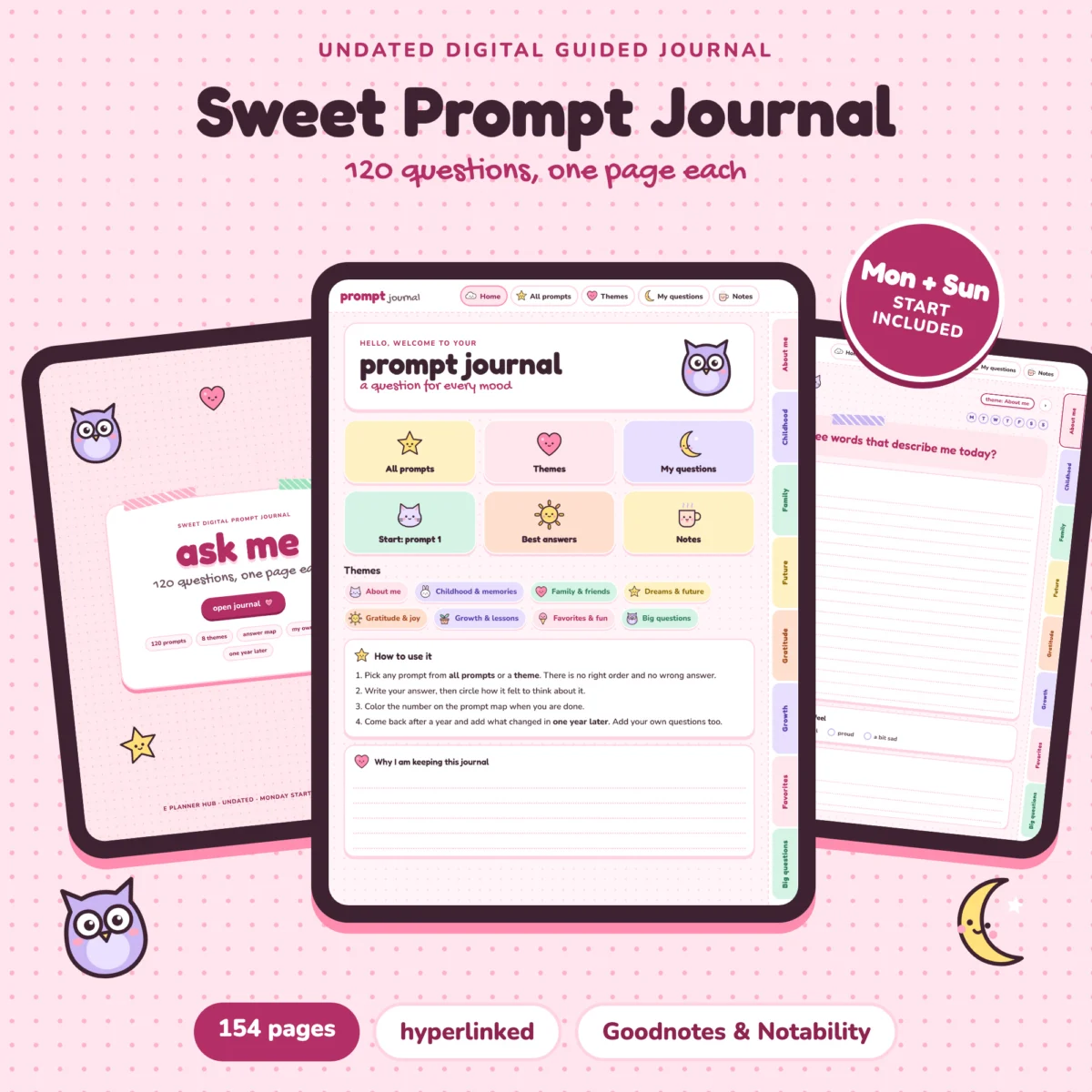
Sweet Prompt Journal
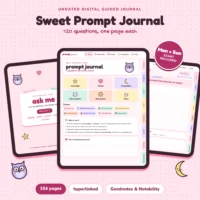
120 questions, one page each. Every page starts with a printed prompt and gives you room to answer, a quick way to note how it felt, and a small box to come back to one year later. The prompts are grouped into 8 themes, from childhood memories to big questions, and you can pick them in any order from the prompt map. Monday start and Sunday start versions included.
- Opens in Goodnotes and Notability
- Instant download, unlimited personal use
Works with
 Goodnotes
 Notability
Problem with a file? We fix it or send you a replacement.
What this is
120 questions, one page each. Every page starts with a printed prompt and gives you room to answer, a quick way to note how it felt, and a small box to come back to one year later. The prompts are grouped into 8 themes, from childhood memories to big questions, and you can pick them in any order from the prompt map. Monday start and Sunday start versions included.
What’s inside
- 154 pages, undated
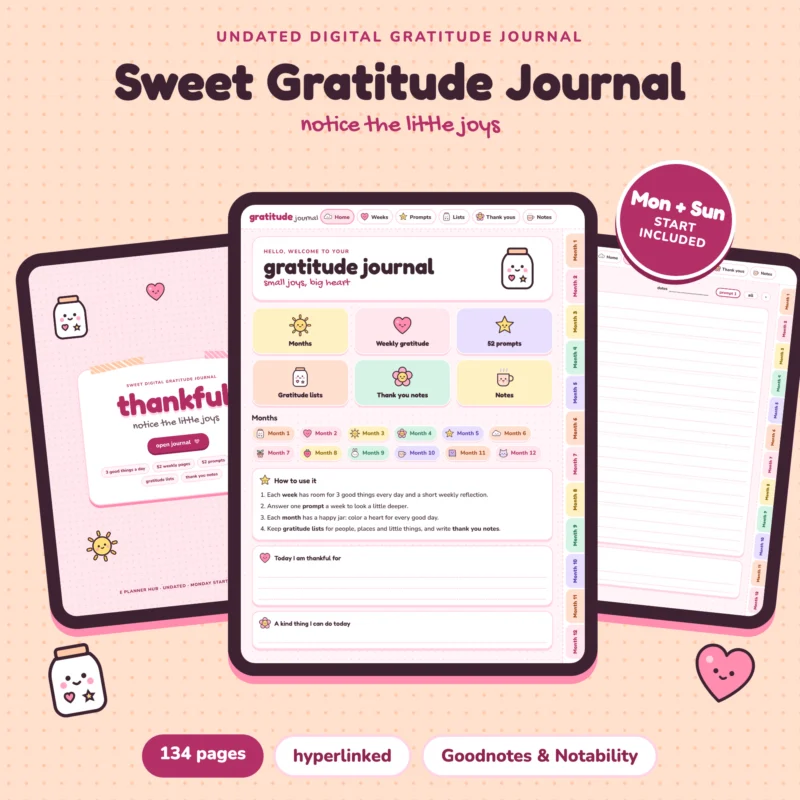
- Home page with links to every theme and section
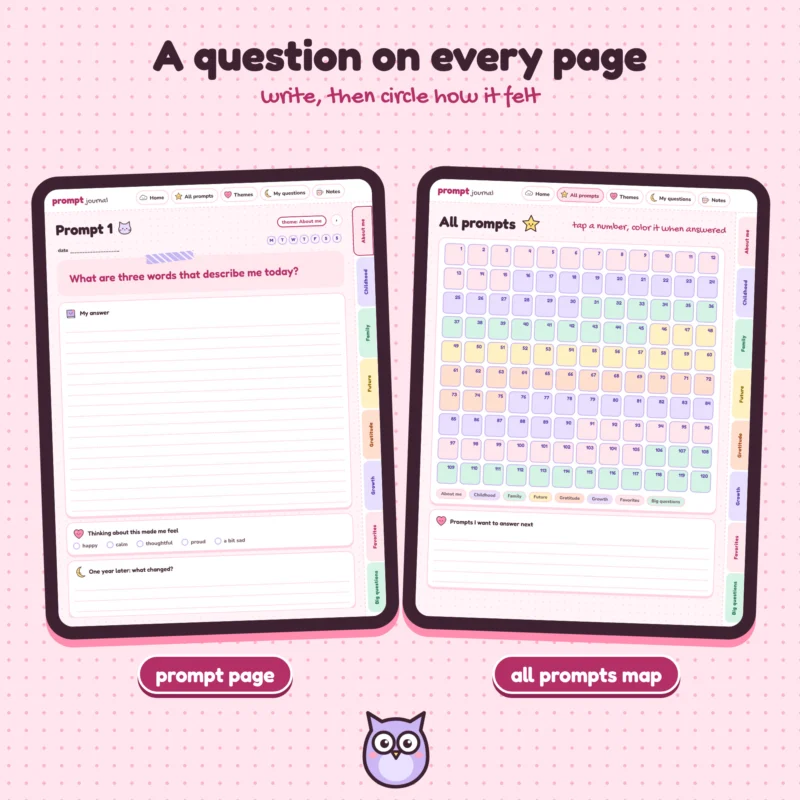
- Prompt map: numbers 1 to 120 in theme colors, each one opens its prompt, color it when answered
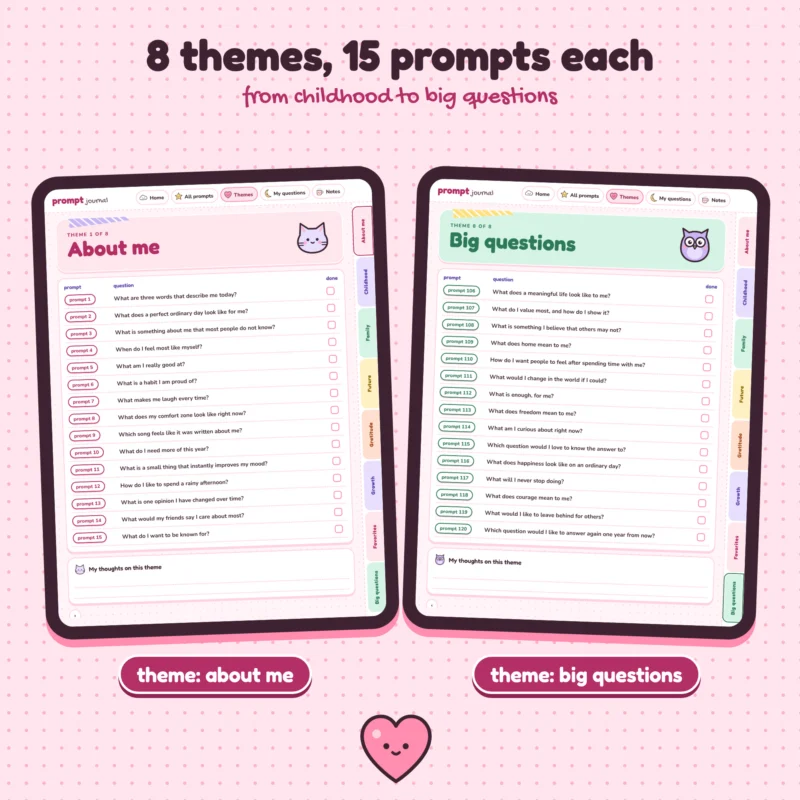
- 8 theme pages: all 15 questions of the theme, each with a link and a done box
- 120 prompt pages: the question, my answer, thinking about this made me feel, one year later: what changed?
- 8 themes: About me, Childhood & memories, Family & friends, Dreams & future, Gratitude & joy, Growth & lessons, Favorites & fun, Big questions
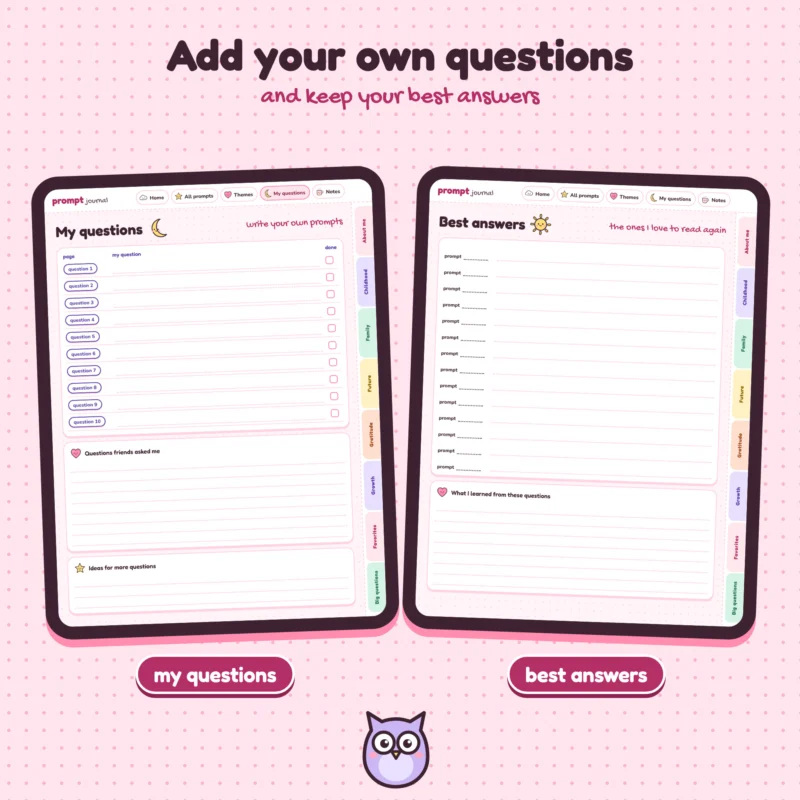
- My questions: an index and 10 pages to write and answer your own prompts
- Best answers: a page to collect the answers you love to read again
- 10 notes pages with an index
- Theme tabs on the side of every inner page
Features
- Hyperlinked: Every number on the prompt map and every prompt button on the theme pages opens that prompt. Each prompt page links to its theme and to the prompt before and after. Top tabs, side tabs and the my questions index are linked too.
- Monday start and Sunday start versions included
- 3:4 portrait pages, made for tablets
- Undated, so you can start any time
Compatible apps
- Goodnotes, Notability and other apps that open PDF files and support PDF links
- 3:4 portrait pages, made for iPad and Android tablets
- You can also import the PDF into OneNote, but OneNote shows the pages as printouts, so the links do not work there.
What you get
- Sweet-Prompt-Journal-Monday-Start.pdf (Monday start)
- Sweet-Prompt-Journal-Sunday-Start.pdf (Sunday start)
- 00-Start-Here.pdf (how to use, license and support)
How it works
Download the files, open the version you like in Goodnotes, Notability or another PDF app and start writing. The day letters on the prompt pages start on the day you choose.
License
For personal use only. You can use the file on your own devices and print pages for yourself. Please do not share, resell or upload the files. Full terms: eplannerhub.com/license.
Note
This journal is for personal reflection. It is not therapy or professional advice.
Opens in GoodNotes, Notability, OneNote and other PDF note-taking apps.
iPad, iPhone (iOS 13 and later), Android and Samsung tablets.
Your download link arrives by email right away.
Log in any time to download your files again.
No download limit. Use your files as often as you like for personal use.
If a file will not open, we fix it or send a replacement.
What is inside
Files
Compatibility
| App | Minimum version | File type |
|---|---|---|
| Goodnotes | Any current | |
| Notability | Any current |
Reviews
Be the first to review this product
If you have this one, tell other planner lovers how you use it and what you love about it.
Write a review
Questions about this product
Something else you would like to know before buying? Email us and we will help.
Which apps can I use?
GoodNotes, Notability, OneNote, Samsung Notes and other apps that open PDF files. The "Works with" list above shows the apps this planner was made for.
Which devices are supported?
iPhone and iPad with iOS 13 or later, Samsung tablets and other Android tablets.
Is anything shipped?
No. This is a digital PDF file. Nothing physical is sent.
How do I get my files?
Right after checkout you get an email with your download link. Your files are also in your account under Downloads.
Can I use my planner more than once?
Yes. You can use your files as many times as you like for your own planning.
Something is wrong with my file. What should I do?
Email [email protected] with your order number and a short description of the problem. If a file is damaged or does not match its description, we fix it or send you a replacement.