
Templates & Inserts
Single pages and small sets you add to a notebook or planner you already use: inserts, calendars, to-do lists and covers.
Products
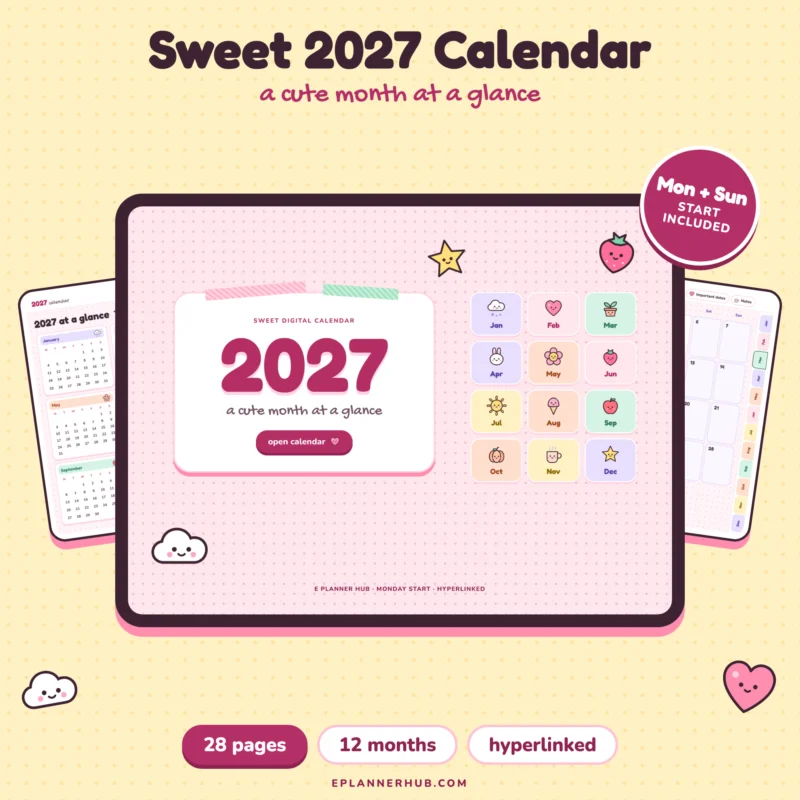
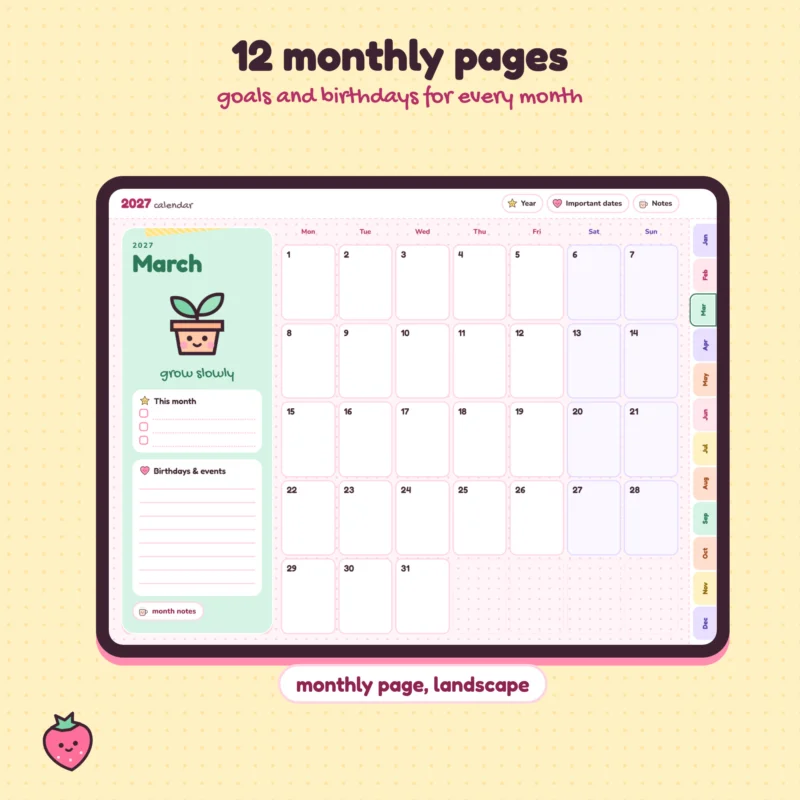
Page 1 of 1
How templates work
A template is a page design you add to your note app once and then reuse. In GoodNotes and Notability you can save it as a page template and add it to any notebook.
Inserts for your planner
Inserts are extra pages for a planner you already have, such as a project page or a monthly review. Copy them into the section where you need them.
How do I add a template in GoodNotes?
Import the PDF, then add its pages to a notebook, or save a page as a template to reuse it.
Can I print them?
Yes, for your own use. See the License Terms for what is allowed.
Which apps work?
GoodNotes, Notability, OneNote, Samsung Notes and other apps that let you write on PDF files.
Works with what you already use
Open your planner in the note-taking app you already love.
 GoodNotes
 Notability
OneNote
iPad
iPhone
Android tablets
PDF
