
Digital Stickers
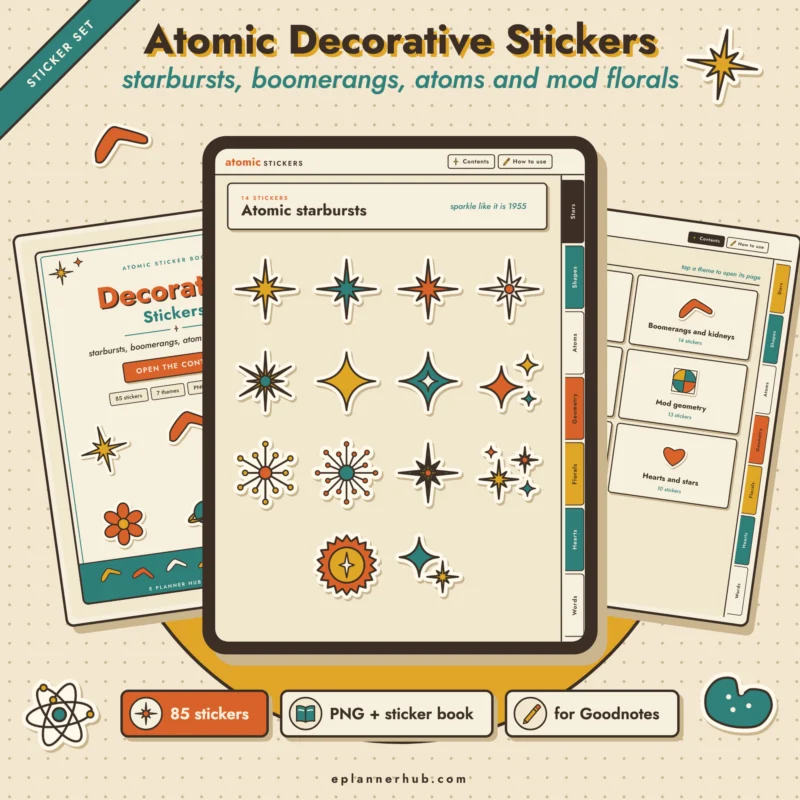
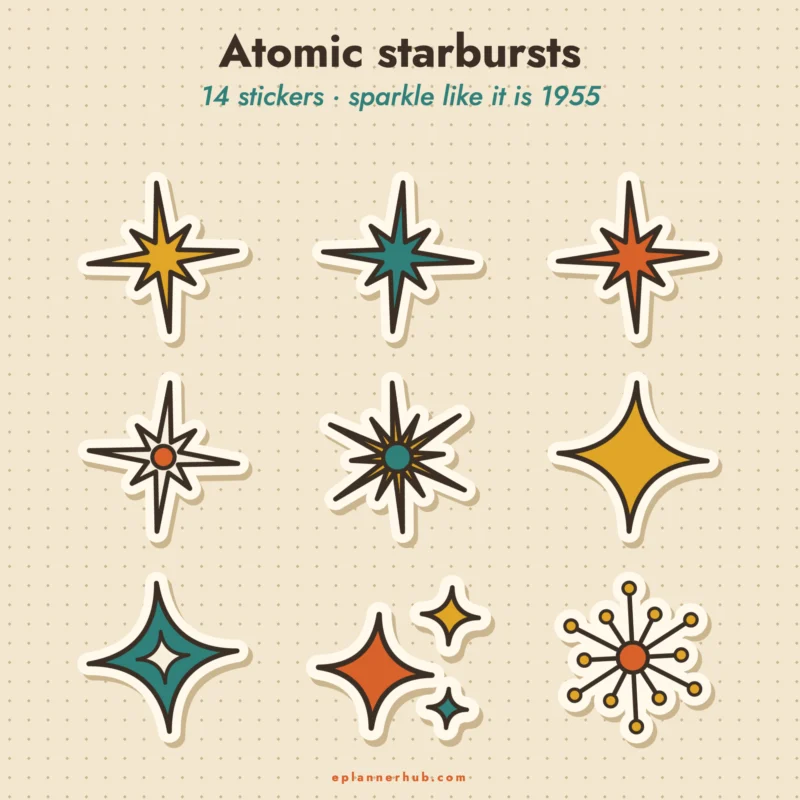
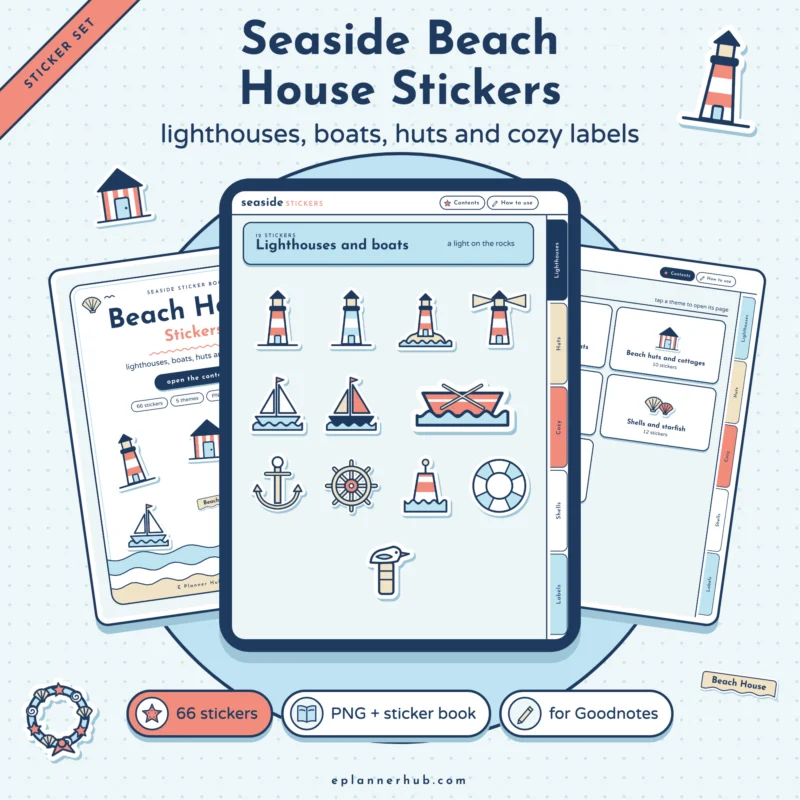
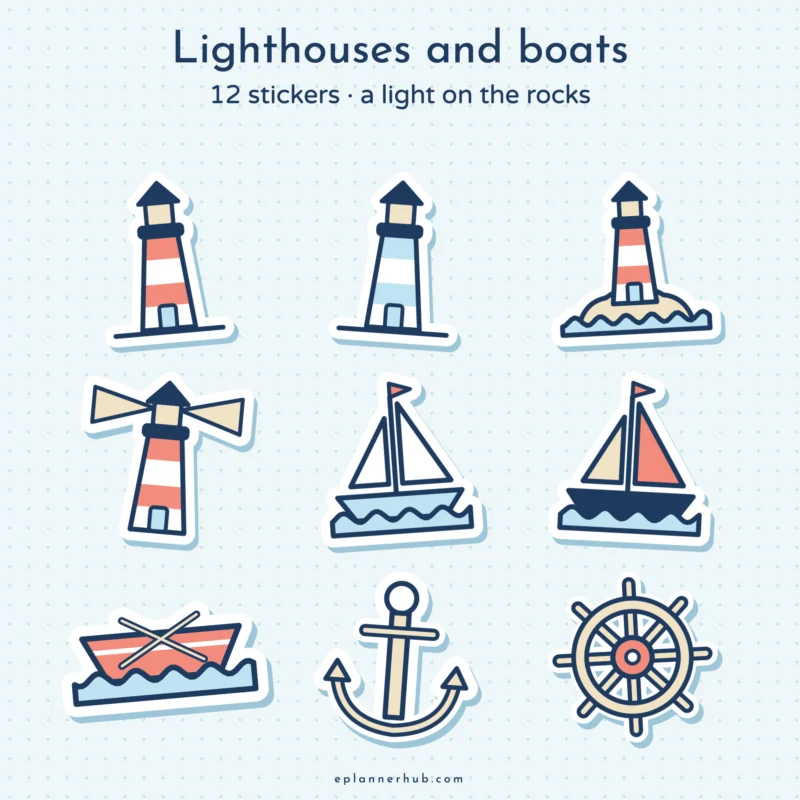
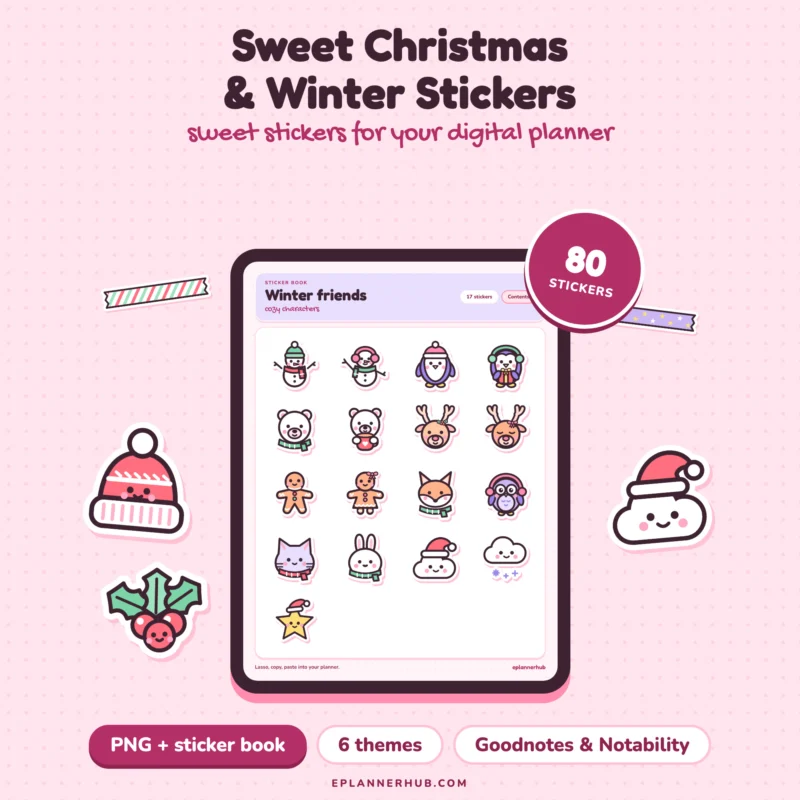
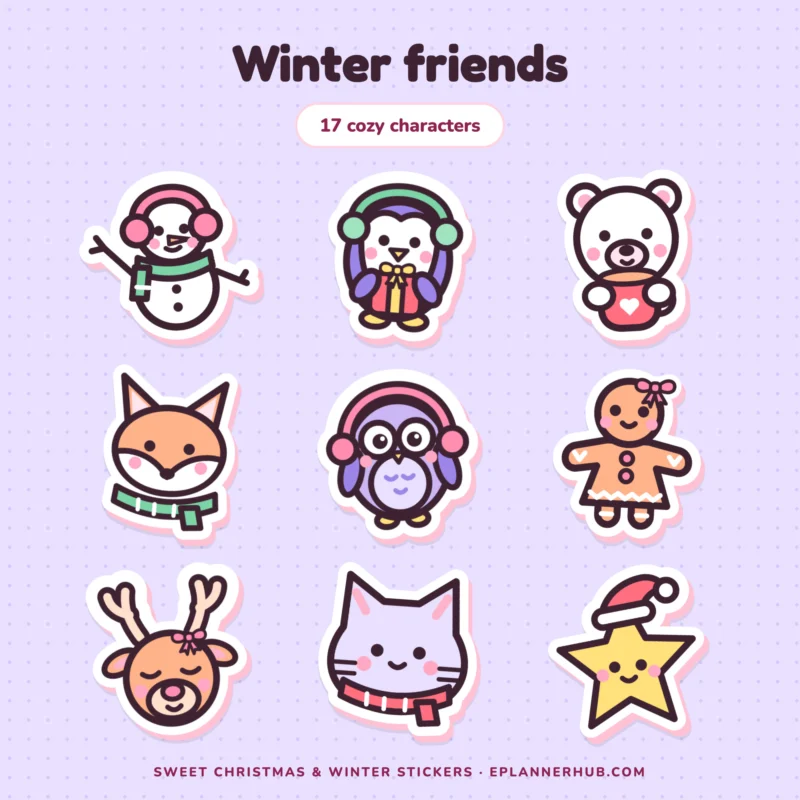
Pre-cropped stickers you drag straight onto your pages: functional stickers, aesthetic sets, seasonal themes and washi tape.
Products
Page 1 of 1
How digital stickers work
Stickers come as PNG images or a sticker book PDF. In GoodNotes you add them to the Elements panel once, then drag them onto any page. In Notability you paste them or use the media library.
Functional or decorative
Functional stickers do a job: labels, checkboxes, headers, reminders. Decorative ones set the mood. Most planners use a few of each.
Do I need to crop the stickers?
No. They are already cropped with transparent backgrounds.
How do I add them to GoodNotes?
Import the PNG files or the sticker book into the Elements panel, then drag them onto a page.
Can I resize them?
Yes. Pinch or drag the corners after you place a sticker.
Works with what you already use
Open your planner in the note-taking app you already love.
 GoodNotes
 Notability
OneNote
iPad
iPhone
Android tablets
PDF
