
Digital Planners
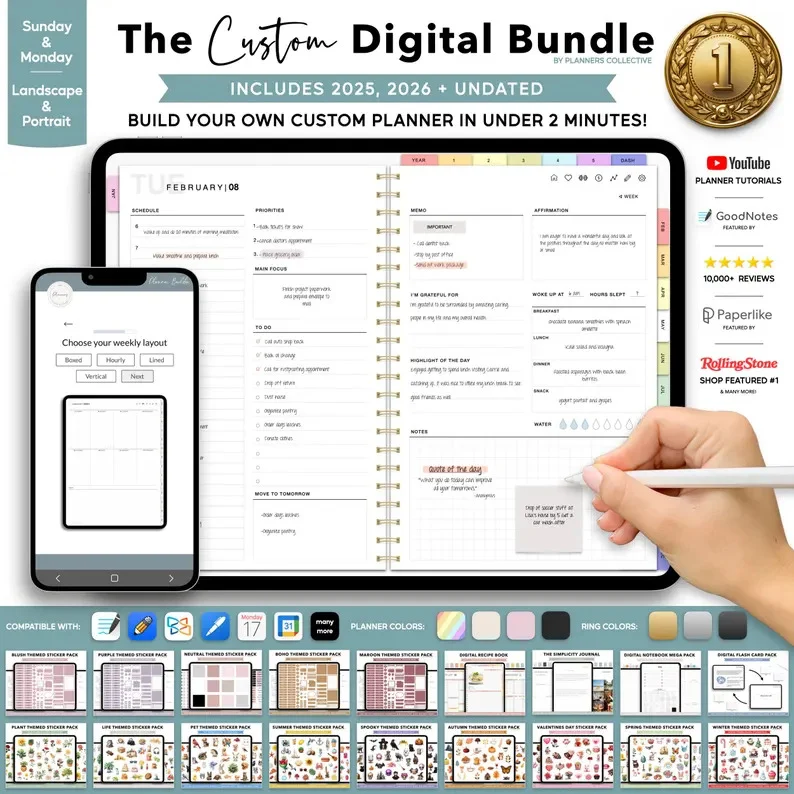
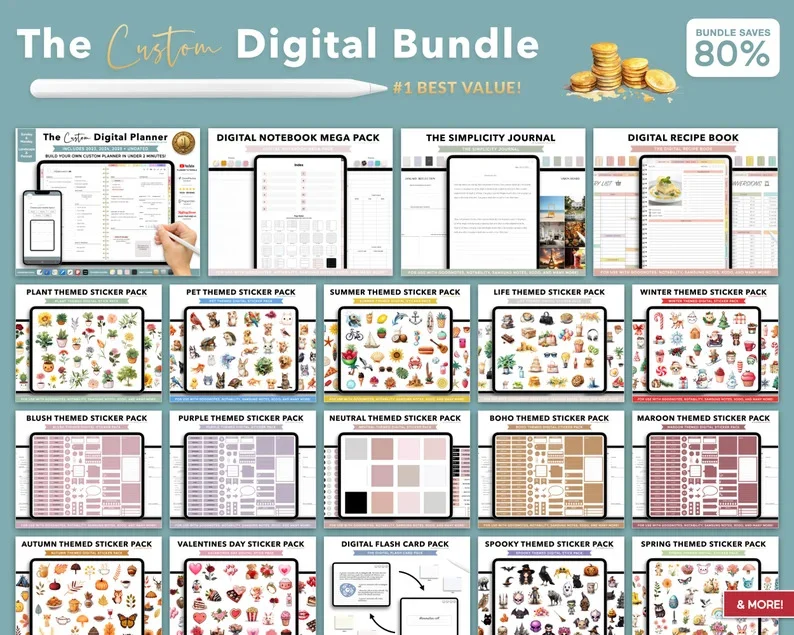
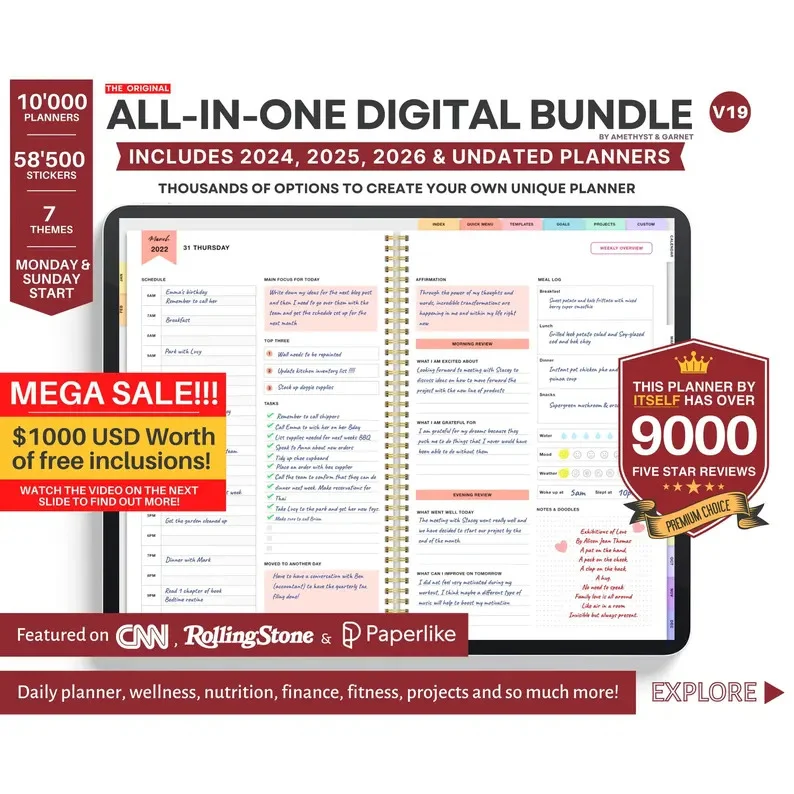
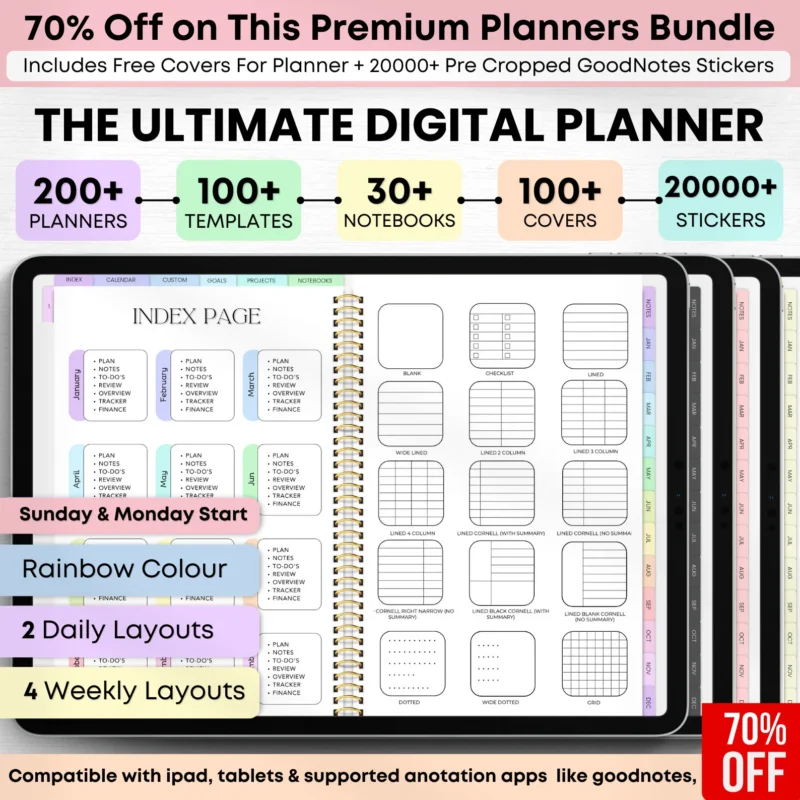
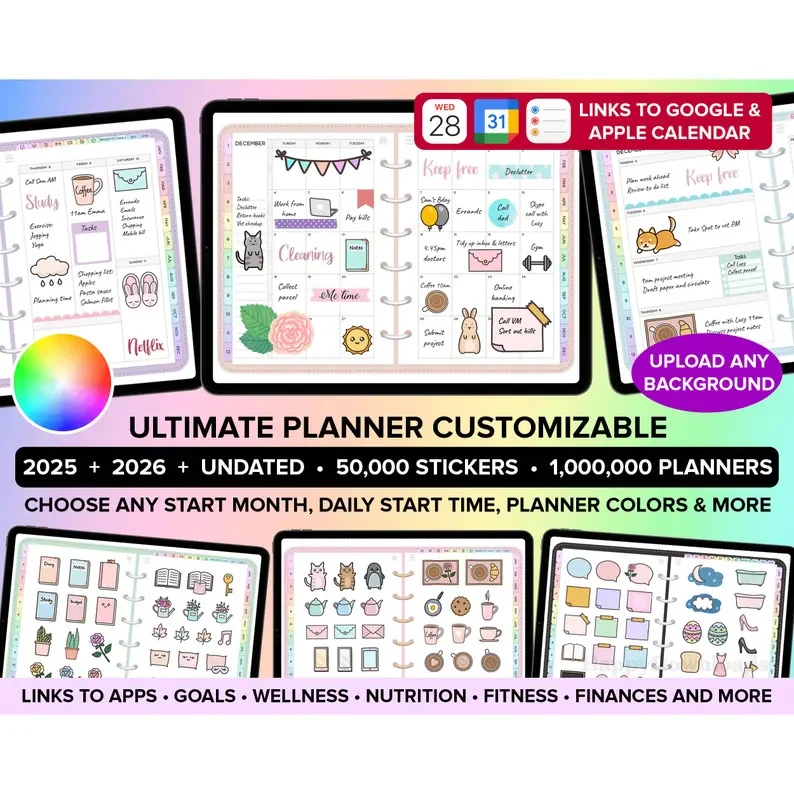
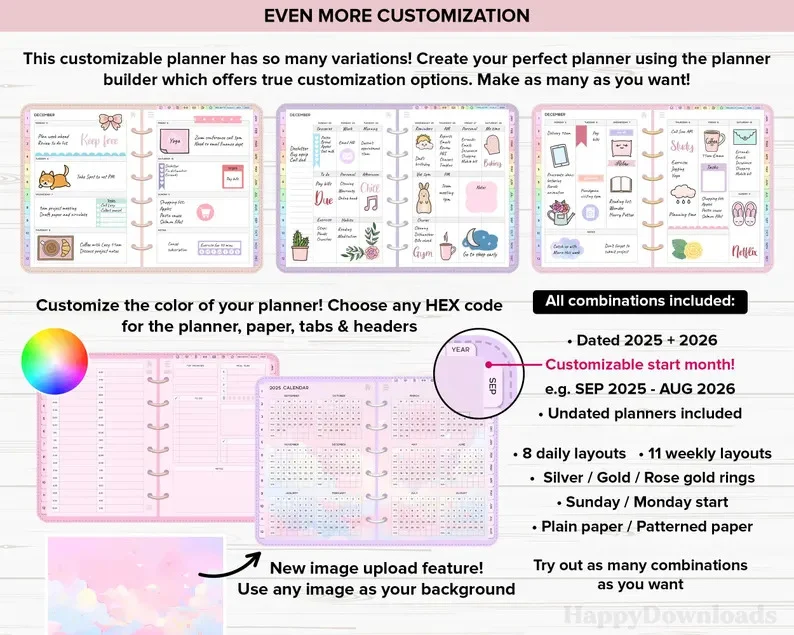
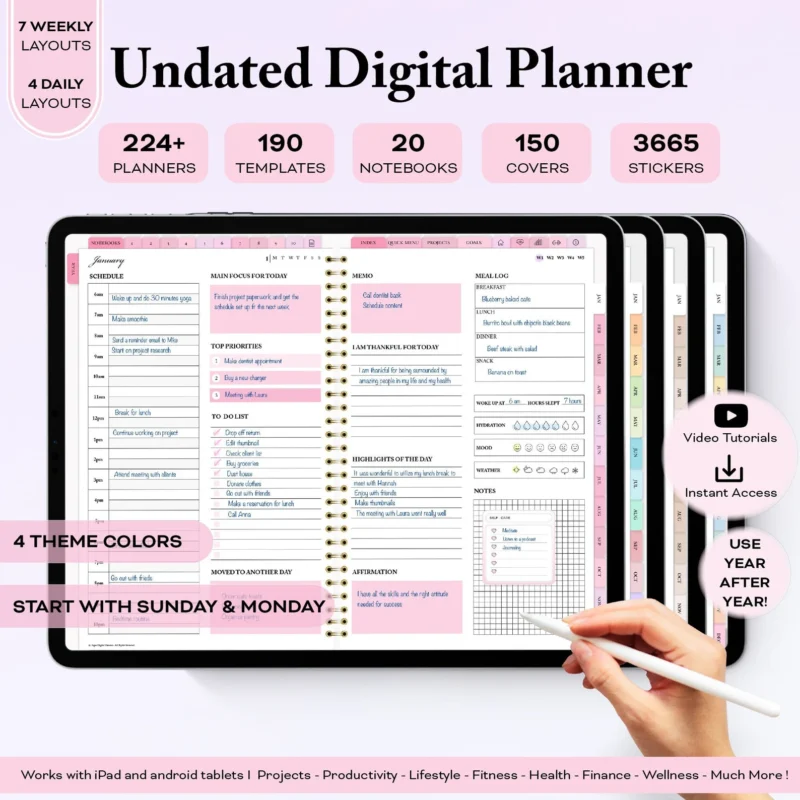
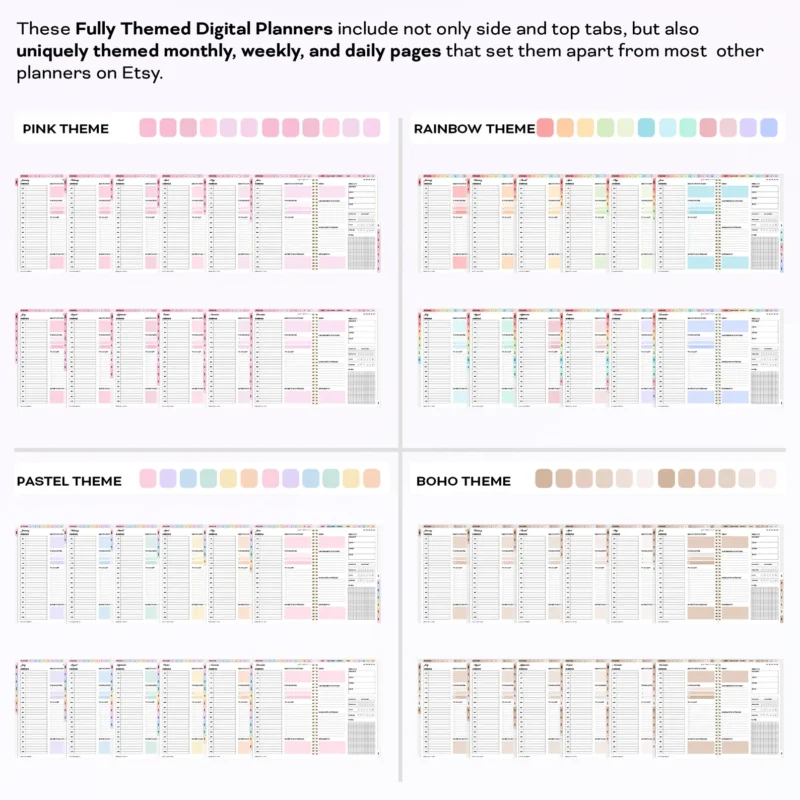
Hyperlinked PDF planners you write in with a stylus on iPad or an Android tablet. Pick a dated planner for the year ahead or an undated one you can start any month.
Products
-
2025 2026 Undated Digital Planner
Original price was: $21.99.$10.99Current price is: $10.99. -
All-In-One Premium Digital Planner 2025-2026
Original price was: $29.99.$14.99Current price is: $14.99. -
Digital Planner 2023 & 2024 & Undated
Original price was: $14.99.$9.99Current price is: $9.99. -
Digital Planner 2024 & 2025
Original price was: $14.99.$9.99Current price is: $9.99. -
Digital Planner 2025 2026 Undated Digital Planners
Original price was: $21.99.$10.99Current price is: $10.99. -
Undated Digital Planner
Original price was: $9.99.$4.99Current price is: $4.99.
How to choose a digital planner
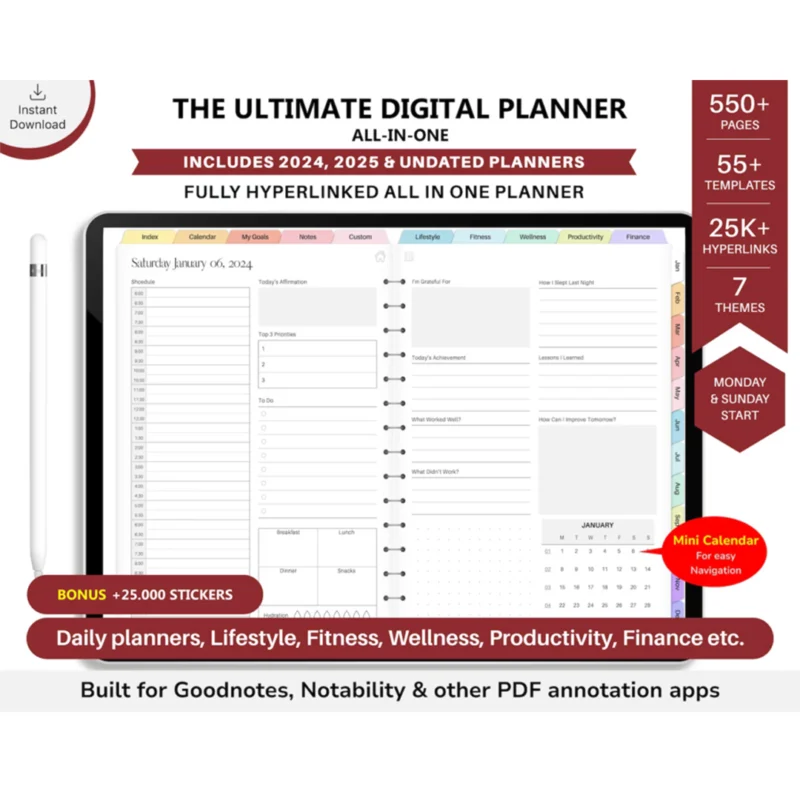
Start with the year: a dated planner has every day already laid out, an undated one lets you start any week and skip the weeks you do not use.
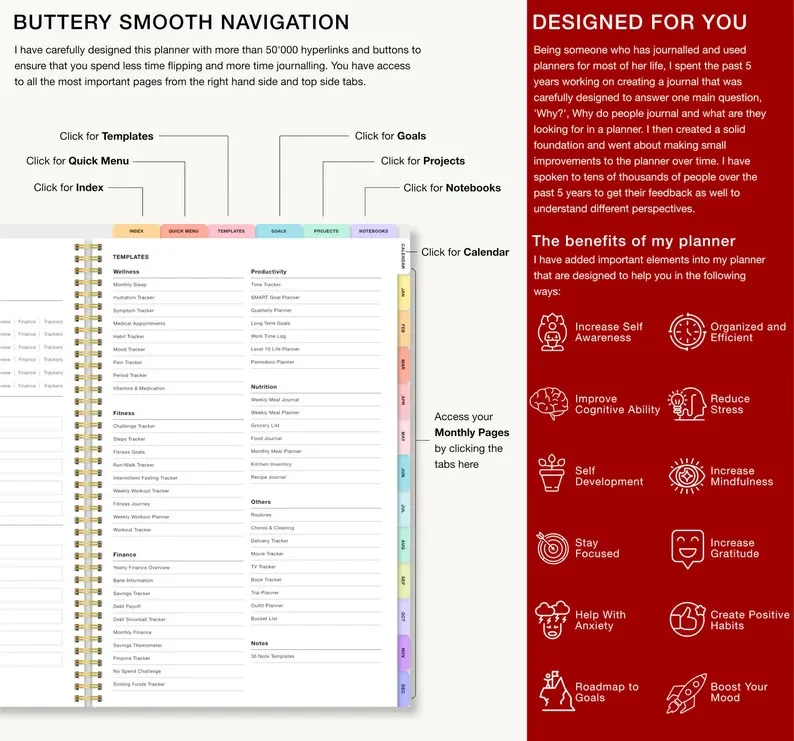
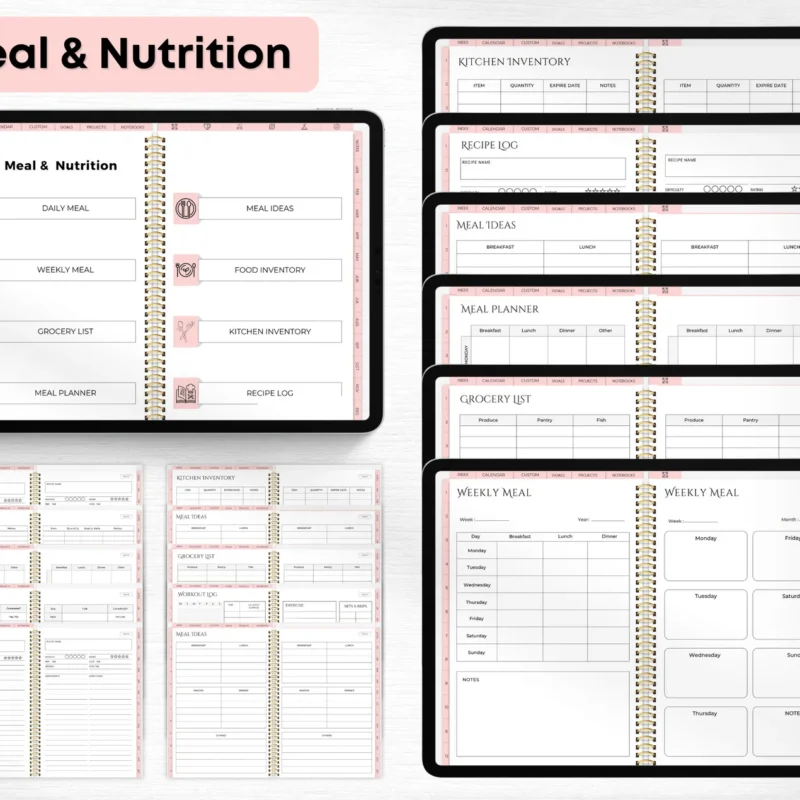
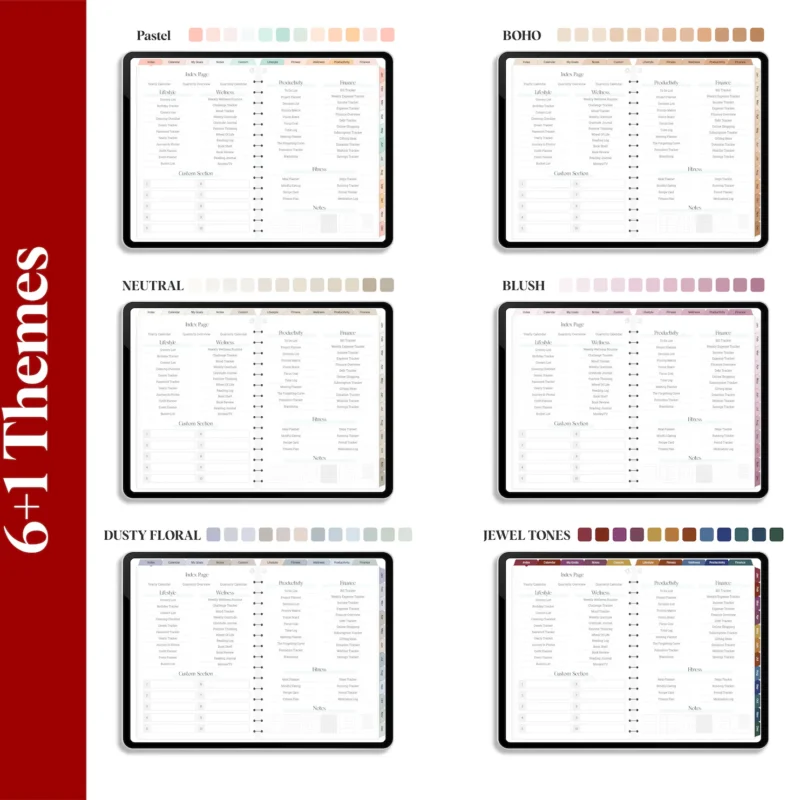
Then check the layout you plan in most. Daily pages suit busy days, weekly spreads give the overview, monthly calendars hold the big dates. Tabs and links take you from the cover to any page in one tap.
Which apps it works in
Every planner is a PDF, so it opens in GoodNotes, Notability, OneNote, Samsung Notes, Xodo and other apps that let you write on PDF files. The download link arrives by email right after checkout and stays in your account.
Do I need a special app?
No. Any note app that opens PDF files and lets you write on them works, such as GoodNotes, Notability, OneNote or Samsung Notes.
Can I use it on Android?
Yes. Open the PDF in an Android note app such as Samsung Notes, Xodo or Noteshelf.
Is anything shipped?
No. This is a digital PDF file. Nothing physical is sent.
Dated or undated: which should I pick?
Dated suits you if you plan every week of the year. Undated suits you if you plan in bursts or want to start mid-year.
