Sweet Notebook Bundle
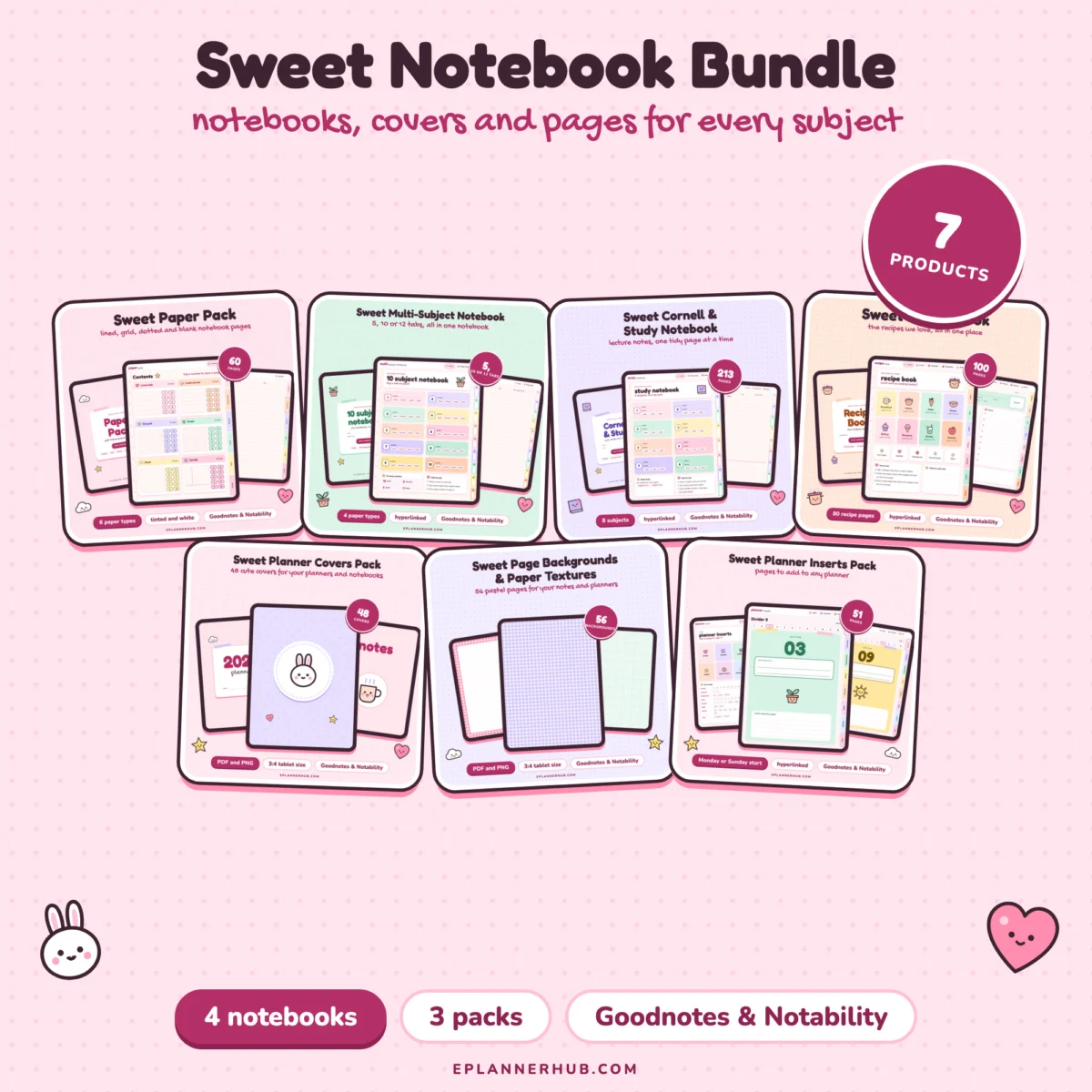
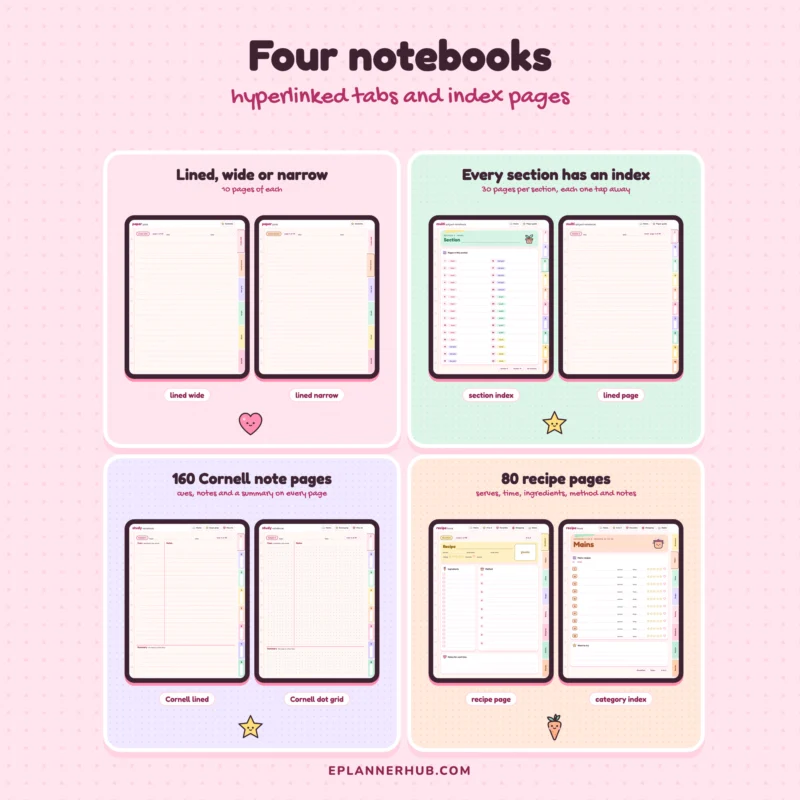
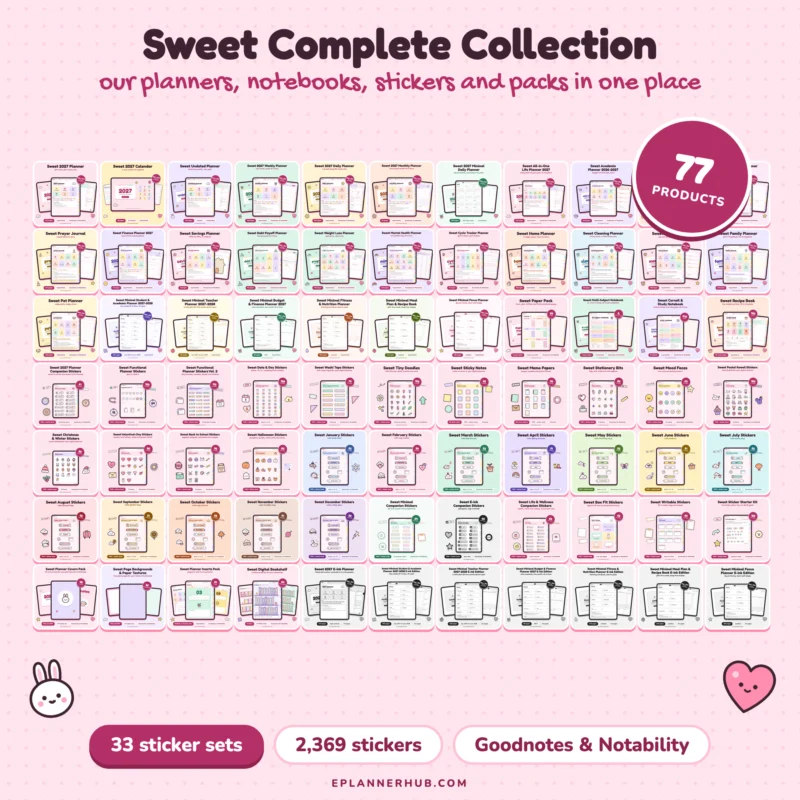
Four Sweet digital notebooks and three packs in one bundle: Paper Pack, Multi-Subject, Cornell & Study and Recipe Book, with covers, page backgrounds and planner inserts to make them your own.
- Opens in Goodnotes and Notability
- Instant download, unlimited personal use
Works with
 Goodnotes
 Notability
Problem with a file? We fix it or send you a replacement.
What this is
Everything you need to take notes on your tablet. Pick a notebook for each subject or hobby, give it a cute cover and fill it with the paper you like best.
What’s inside
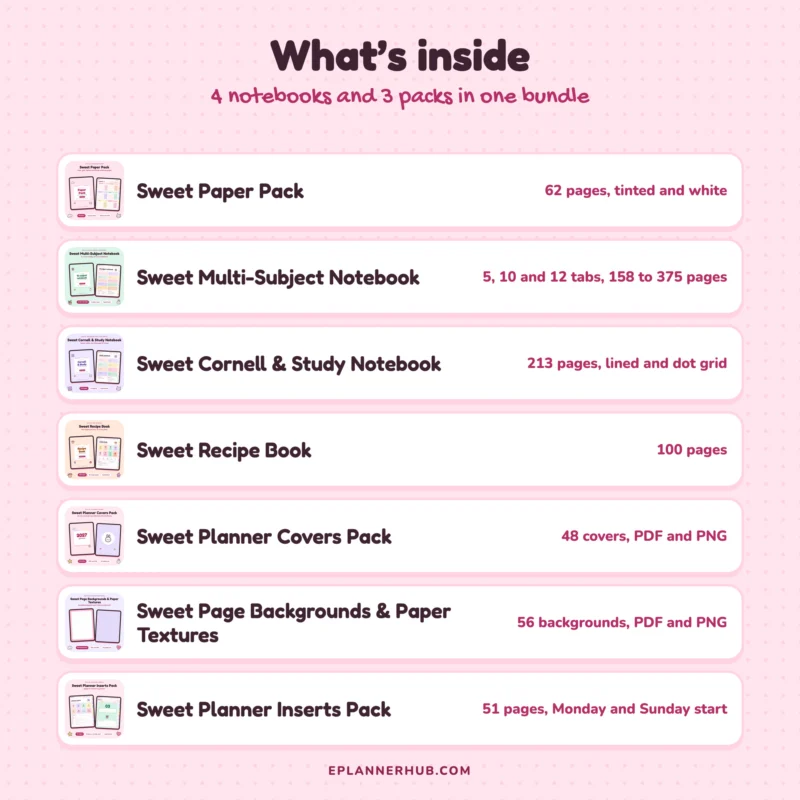
- Sweet Paper Pack: 62 pages, tinted and white
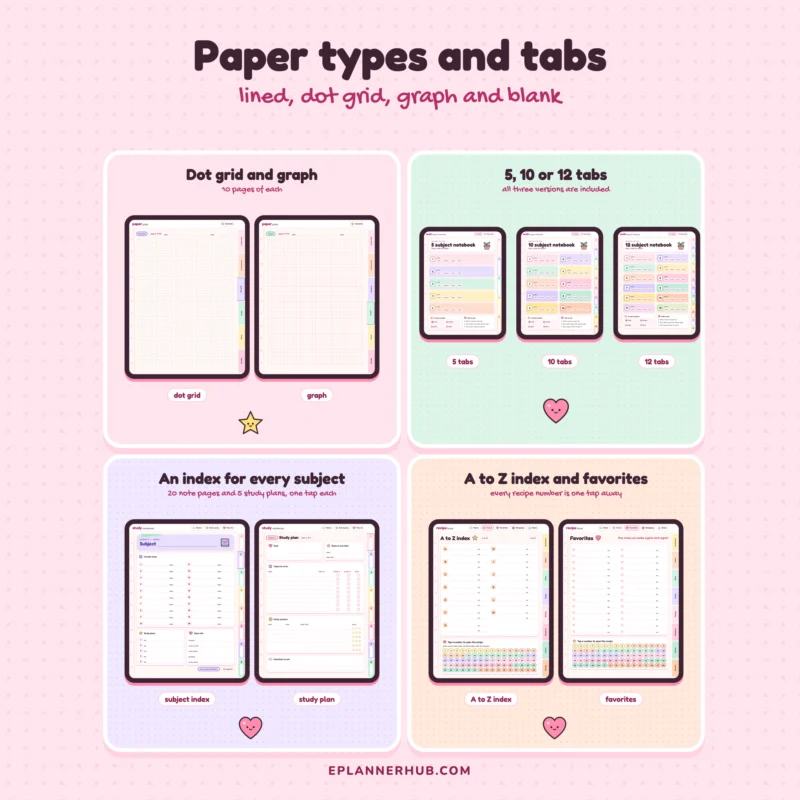
- Sweet Multi-Subject Notebook: 5, 10 and 12 tabs, 158 to 375 pages
- Sweet Cornell & Study Notebook: 213 pages, lined and dot grid
- Sweet Recipe Book: 100 pages
- Sweet Planner Covers Pack: 48 covers, PDF and PNG
- Sweet Page Backgrounds & Paper Textures: 56 backgrounds, PDF and PNG
- Sweet Planner Inserts Pack: 51 pages, Monday and Sunday start
Features
- Hyperlinked notebooks: tabs and index pages link to every section
- Multi-Subject Notebook in 5, 10 and 12 tab versions
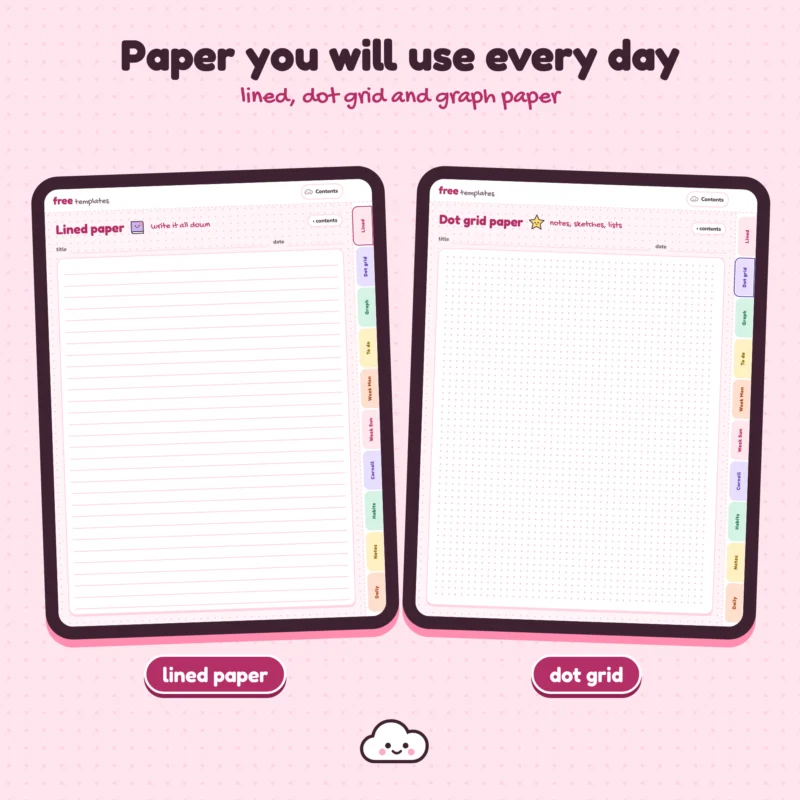
- Lined, dot grid, graph, blank and Cornell paper
- Covers and backgrounds as PDF pages and PNG images
- Each product keeps its own files, so you can download only what you need
Compatible apps
- Goodnotes
- Notability
- Other apps that open PDF files and support PDF links
- 3:4 portrait pages for iPad and Android tablets
OneNote can import the PDF, but it shows pages as printouts, so the links do not work there.
What you get
- Sweet-Paper-Pack-Tinted.pdf
- Sweet-Paper-Pack-White.pdf
- Sweet-Multi-Subject-Notebook-10-Tabs.pdf
- Sweet-Multi-Subject-Notebook-12-Tabs.pdf
- Sweet-Multi-Subject-Notebook-5-Tabs.pdf
- Sweet-Cornell-Study-Notebook-Dot-Grid.pdf
- Sweet-Cornell-Study-Notebook-Lined.pdf
- Sweet-Recipe-Book.pdf
- Sweet-Planner-Covers-PNG.zip
- Sweet-Planner-Covers-Pack.pdf
- Sweet-Planner-Covers-Single-Page-PDFs.zip
- Sweet-Page-Backgrounds-PNG.zip
- Sweet-Page-Backgrounds.pdf
- Sweet-Planner-Inserts-Monday-Start.pdf
- Sweet-Planner-Inserts-Sunday-Start.pdf
- 00-Start-Here.pdf (file list, how to import, links and license)
How it works
- Download the files you want after checkout. Every product keeps its own files.
- Import a PDF into Goodnotes, Notability or another PDF app.
- Tap a tab, a date or a button to jump to that page, and add a cover or background as a page or a PNG image.
This is a digital product. Nothing physical will be shipped.
License
Personal use only. You can import the files into your own apps and devices, duplicate pages and print pages for yourself. Please do not share, resell or upload the files. Full terms: eplannerhub.com/license.
Opens in GoodNotes, Notability, OneNote and other PDF note-taking apps.
iPad, iPhone (iOS 13 and later), Android and Samsung tablets.
Your download link arrives by email right away.
Log in any time to download your files again.
No download limit. Use your files as often as you like for personal use.
If a file will not open, we fix it or send a replacement.
What is inside
Files
Compatibility
| App | Minimum version | File type |
|---|---|---|
| Goodnotes | Any current | |
| Notability | Any current |
Reviews
Be the first to review this product
If you have this one, tell other planner lovers how you use it and what you love about it.
Write a review
Questions about this product
Something else you would like to know before buying? Email us and we will help.
Which apps can I use?
GoodNotes, Notability, OneNote, Samsung Notes and other apps that open PDF files. The "Works with" list above shows the apps this planner was made for.
Which devices are supported?
iPhone and iPad with iOS 13 or later, Samsung tablets and other Android tablets.
Is anything shipped?
No. This is a digital PDF file. Nothing physical is sent.
How do I get my files?
Right after checkout you get an email with your download link. Your files are also in your account under Downloads.
Can I use my planner more than once?
Yes. You can use your files as many times as you like for your own planning.
Something is wrong with my file. What should I do?
Email [email protected] with your order number and a short description of the problem. If a file is damaged or does not match its description, we fix it or send you a replacement.