Moonlit Study Planner
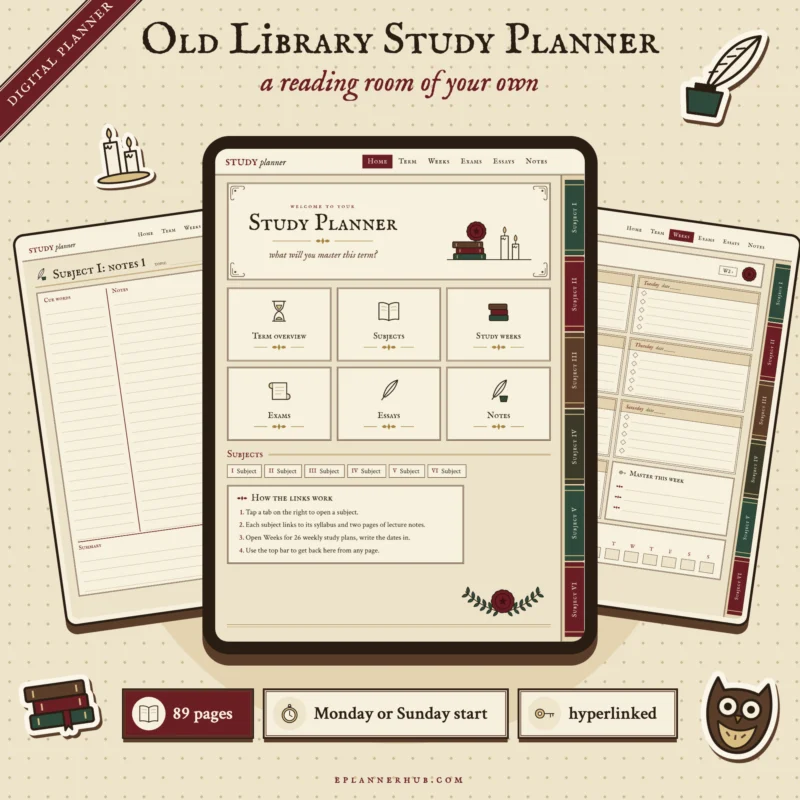
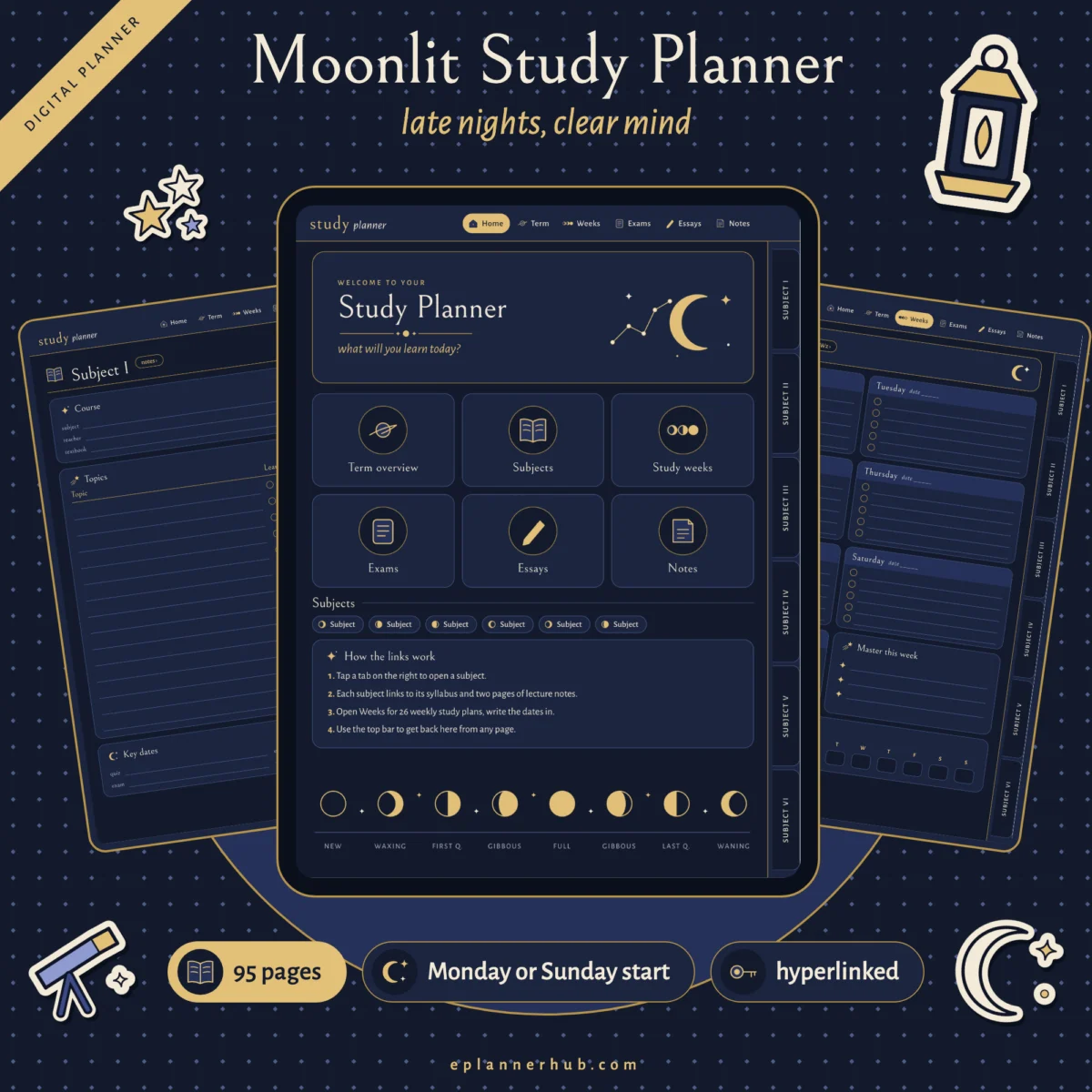
An undated dark mode study planner with 95 hyperlinked pages: plan the term, keep Cornell notes for 6 subjects, organise 26 study weeks, prepare for exams and essays, and track focus sessions and flashcards. Monday start and Sunday start versions.
- Opens in Goodnotes and Notability
- Instant download, unlimited personal use
Works with
 Goodnotes
 Notability
Problem with a file? We fix it or send you a replacement.
What this is
For students who do their best work after dark. The Moonlit Study Planner keeps your subjects, notes, weeks, exams and essays in one linked planner with calm navy pages. Write with a light colored pen such as white, cream or gold.
What’s inside
- 95 pages in each version
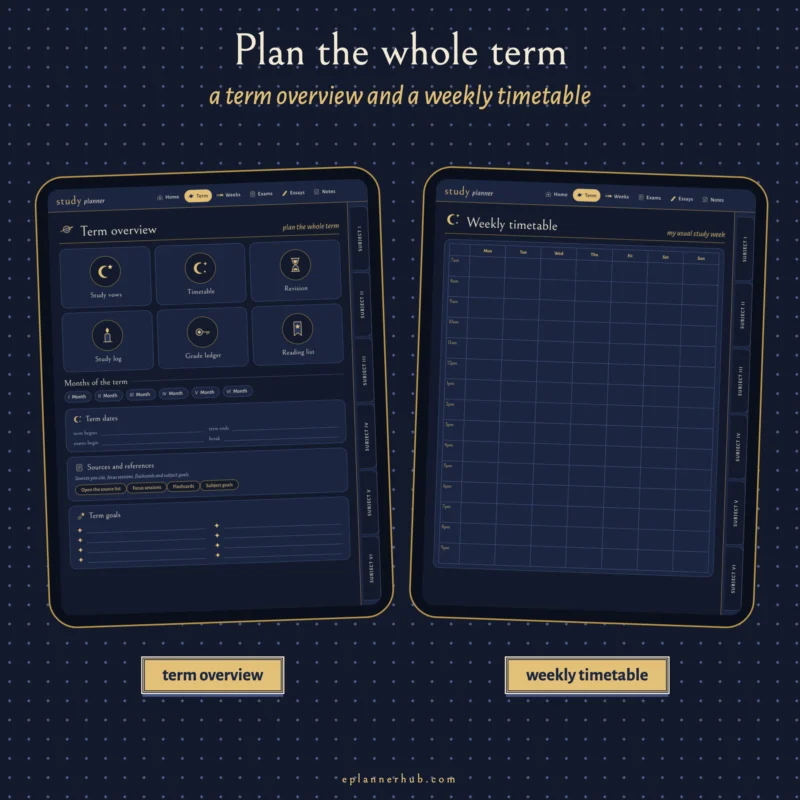
- Term overview, study vows and a weekly timetable from 7am to 9pm
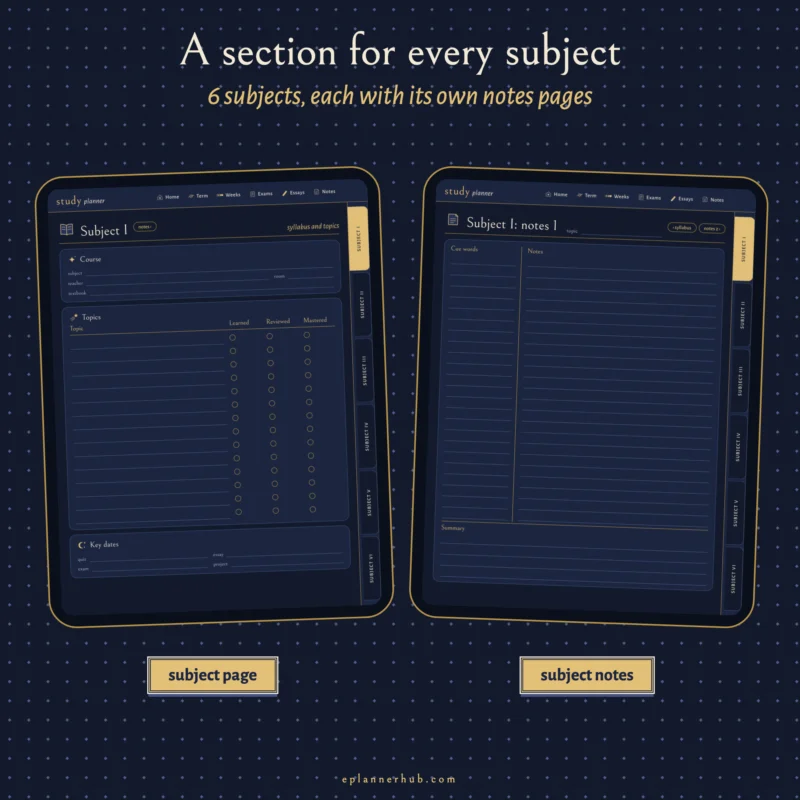
- 6 subjects, each with a syllabus page and 2 Cornell notes pages
- 6 undated term months and 26 undated study weeks with study hours
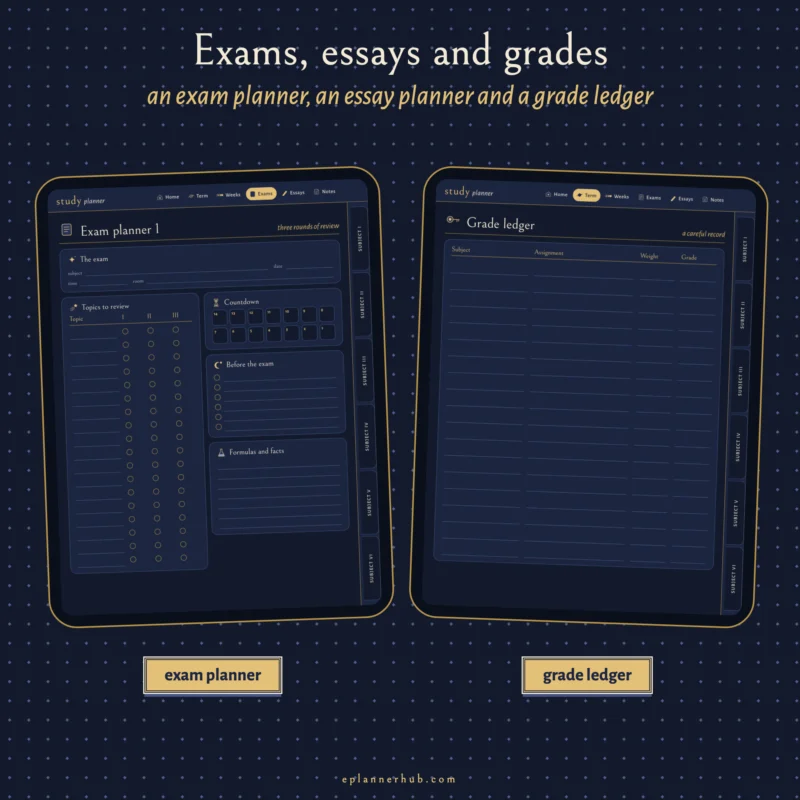
- 4 exam planners with a 14 day countdown, an exam timetable and an exam day plan
- 4 essay planners and an essay tracker
- 2 revision schedules, 2 reading lists, 2 source lists, 2 study logs and a grade ledger
- 2 focus session logs, 2 flashcard pages with 10 cards each and a subject goals page
- 12 note pages: dot grid, lined and graph
Features
- Moonlit style: dark navy pages in gold, cream and lavender, with moon phases, stars and constellations
- Dark pages, easy on the eyes at night: write with a light colored pen such as white, cream or gold
- Undated: start any term, any year
- Hyperlinked subject tabs, notes, weeks, exams and essays
- Monday start and Sunday start versions
- Portrait 3:4 pages for tablets
- Flat vector design, sharp at any zoom
Compatible apps
- Goodnotes, Notability and other note apps that open PDF files and support links
- iPad, Android tablets and computers with a PDF app that supports links
What you get
- Moonlit-Study-Planner-Monday-Start.pdf (the full planner, Monday start)
- Moonlit-Study-Planner-Sunday-Start.pdf (the same planner, Sunday start)
- 00-Start-Here.pdf (how to use, license and support)
How it works
- Download the files after checkout.
- Import the Monday start or Sunday start PDF into Goodnotes, Notability or another PDF app.
- Pick a white, cream or gold pen: the pages are dark, so light colors show best.
- Tap the tabs and links to move around, then write with your stylus.
- Keep one blank copy as your master and duplicate it whenever you need a fresh start.
This is a digital product. Nothing physical will be shipped. Colors can look slightly different on different screens.
License
Personal use only. You can use the planner on your own devices, duplicate pages and print pages for yourself. Please do not share, resell or upload the files. Full terms: eplannerhub.com/license.
Opens in GoodNotes, Notability, OneNote and other PDF note-taking apps.
iPad, iPhone (iOS 13 and later), Android and Samsung tablets.
Your download link arrives by email right away.
Log in any time to download your files again.
No download limit. Use your files as often as you like for personal use.
If a file will not open, we fix it or send a replacement.
What is inside
Files
Compatibility
| App | Minimum version | File type |
|---|---|---|
| Goodnotes | Any current | |
| Notability | Any current |
Reviews
Be the first to review this product
If you have this one, tell other planner lovers how you use it and what you love about it.
Write a review
Questions about this product
Something else you would like to know before buying? Email us and we will help.
Which apps can I use?
GoodNotes, Notability, OneNote, Samsung Notes and other apps that open PDF files. The "Works with" list above shows the apps this planner was made for.
Which devices are supported?
iPhone and iPad with iOS 13 or later, Samsung tablets and other Android tablets.
Is anything shipped?
No. This is a digital PDF file. Nothing physical is sent.
How do I get my files?
Right after checkout you get an email with your download link. Your files are also in your account under Downloads.
Can I use my planner more than once?
Yes. You can use your files as many times as you like for your own planning.
Something is wrong with my file. What should I do?
Email [email protected] with your order number and a short description of the problem. If a file is damaged or does not match its description, we fix it or send you a replacement.
Related products
-
-32%New
Pixel Pop Content Creator Planner
Original price was: $24.99.$16.99Current price is: $16.99.